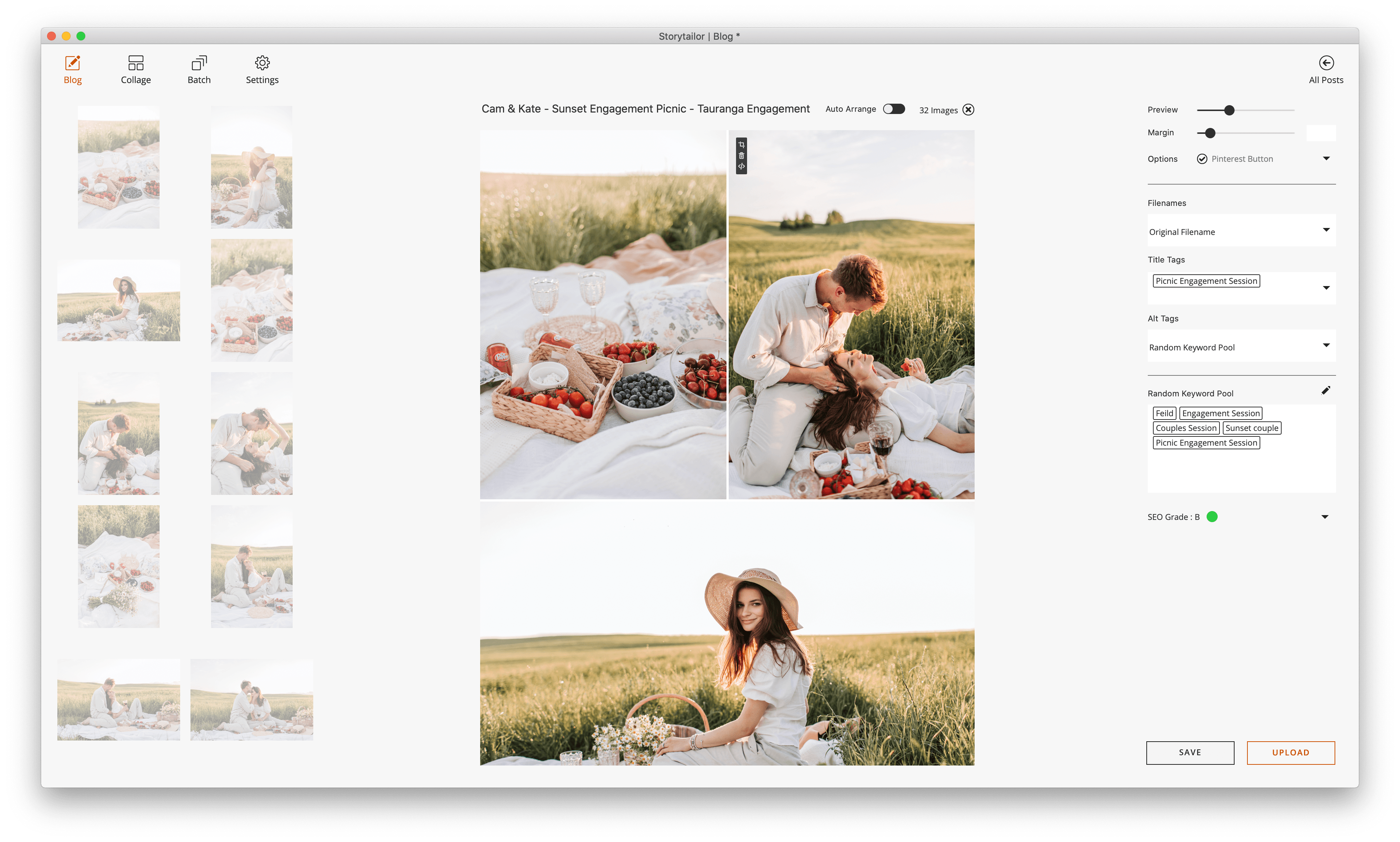
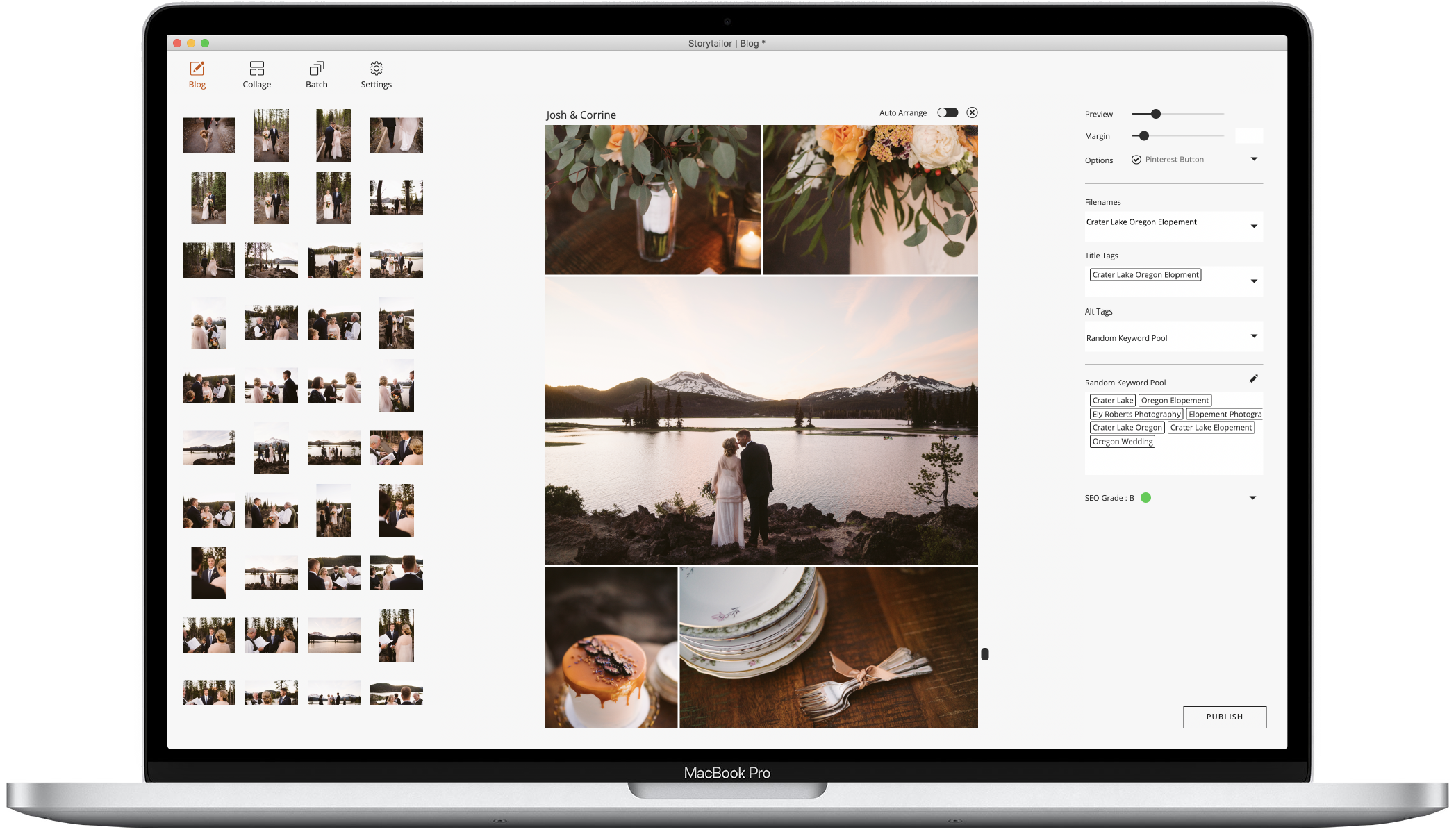
Have a look at your new blogging workflow
Since 2009 we have created software that is easy to use, solves real problems, and is affordable to photographers at all stages of their career. Over the years we have been able to identify the most common roadblocks BlogStomp users were hitting and overcome them.
Storytailor takes all the best bits of BlogStomp and goes much further. It blends a beautiful, easy-to-use interface with automation and behind-the-scenes tools that will help you streamline your workflow, make curating your stories easier, and ensure your images work harder for you out in the world.
BlogStomp through the years
2009
BlogStomp Actions
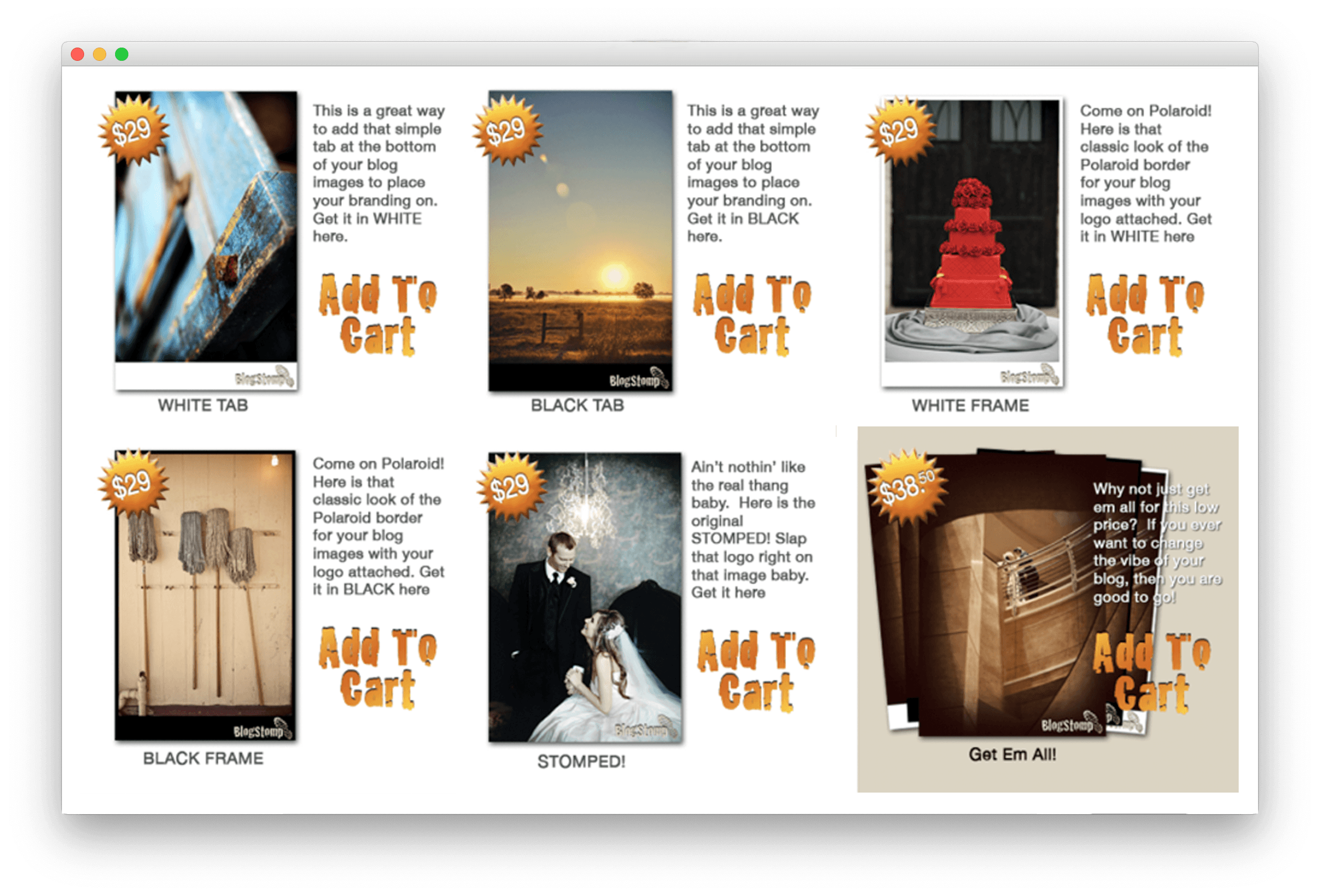
2011
BlogStomp1
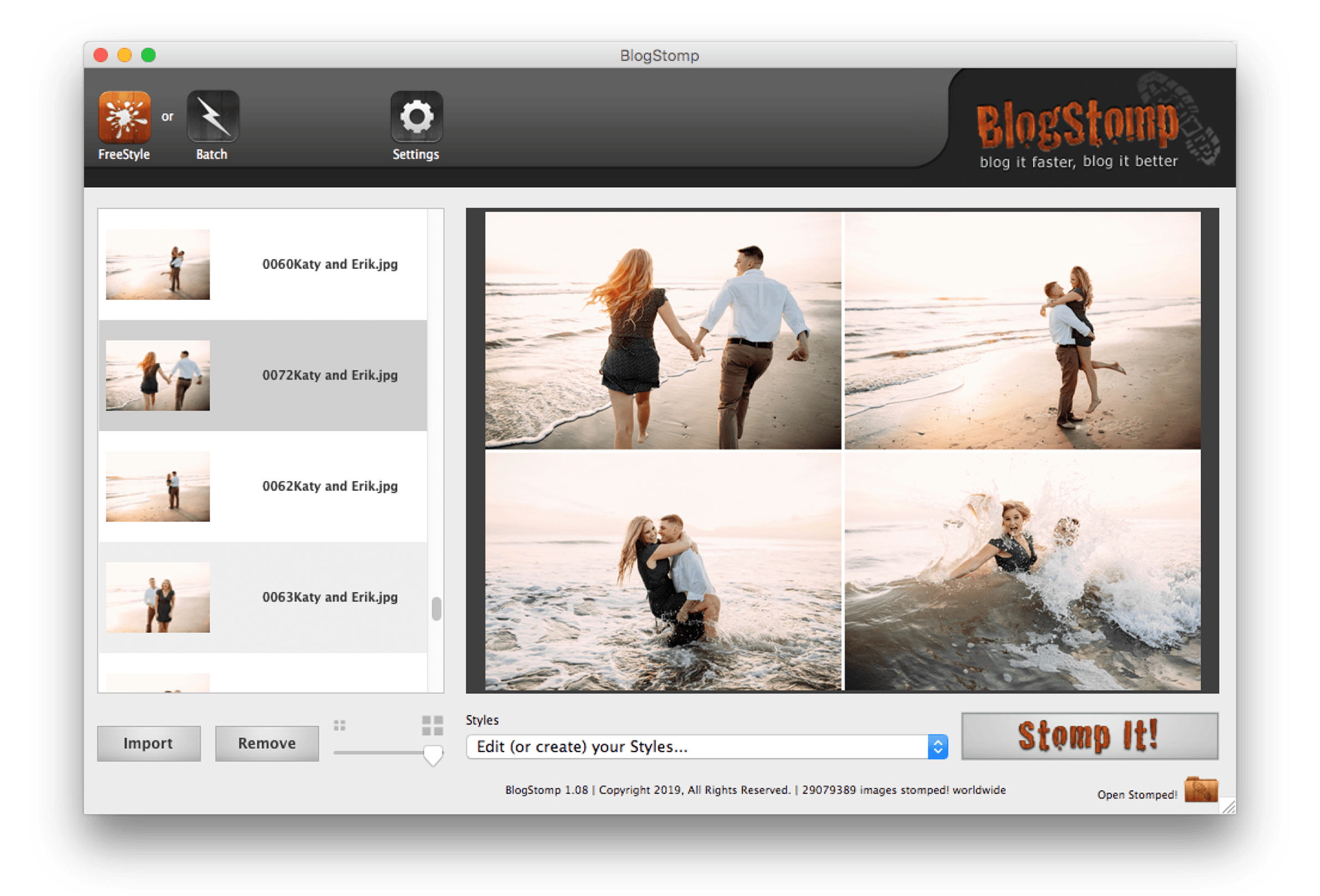
2012
BlogStomp2
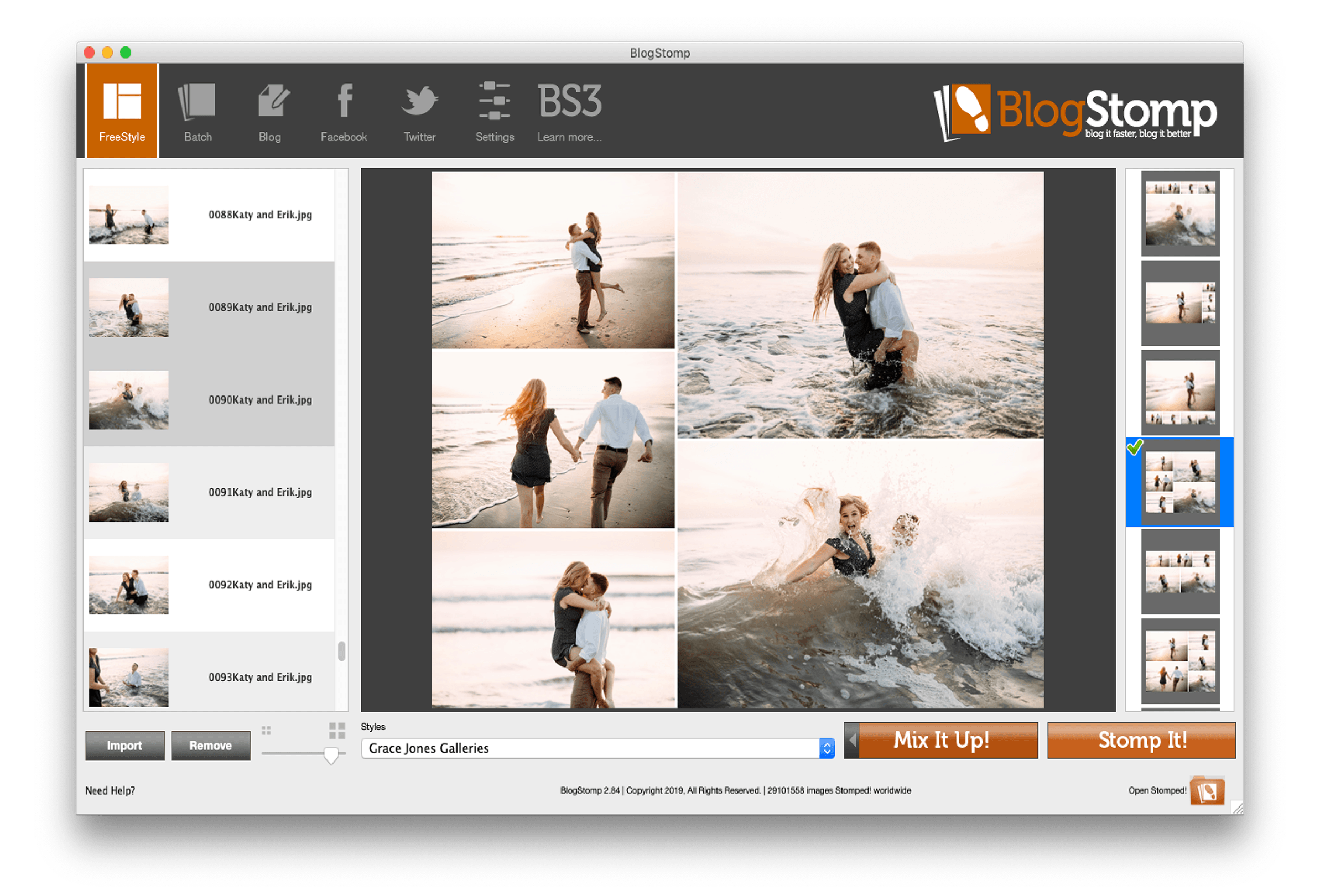
2016
BlogStomp3
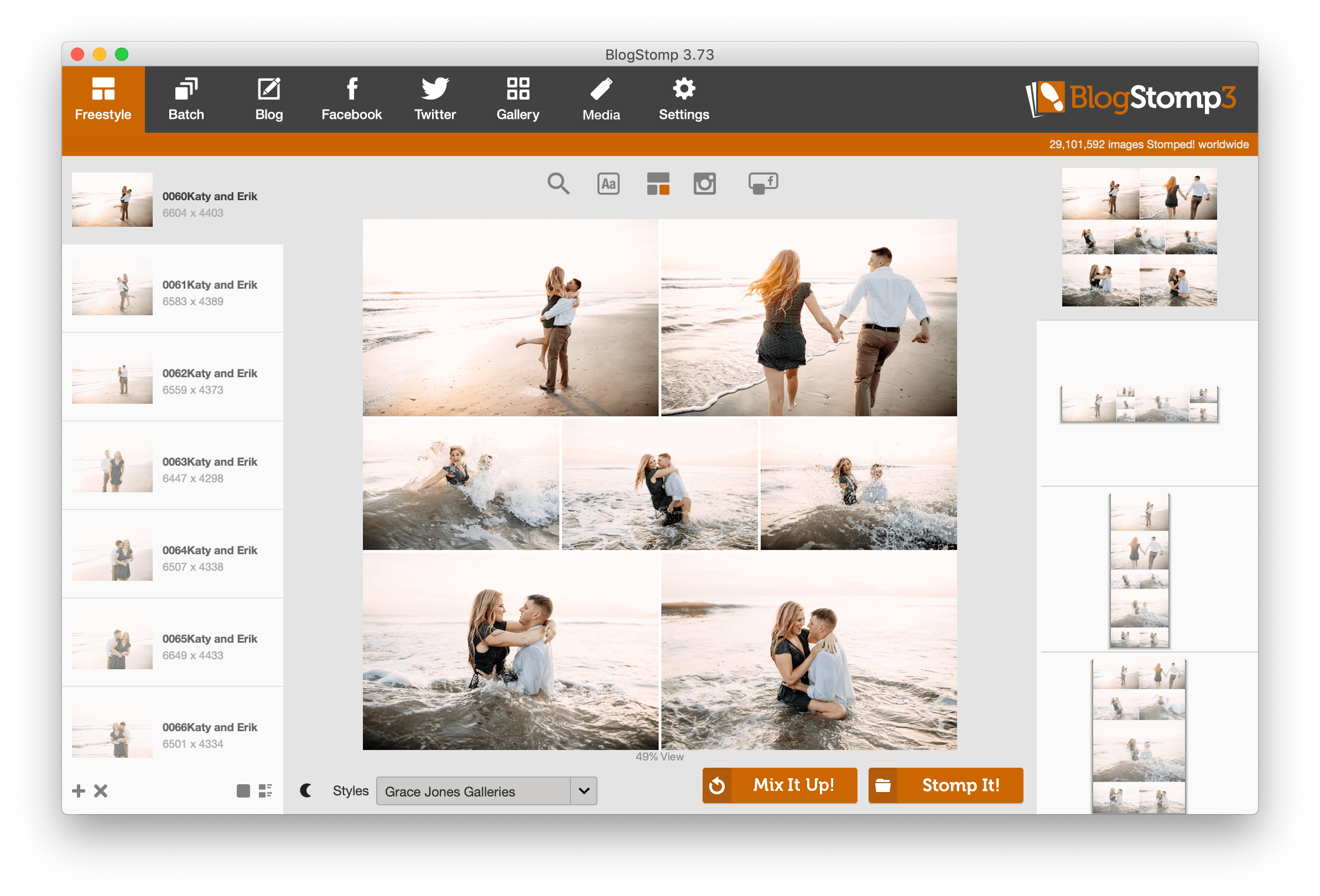
TODAY
Storytailor
Everything you loved about BlogStomp, and so much more!